




 Fast & Free Shipping
 30 Days Money Back
 Secure Payments
 3-year warranty


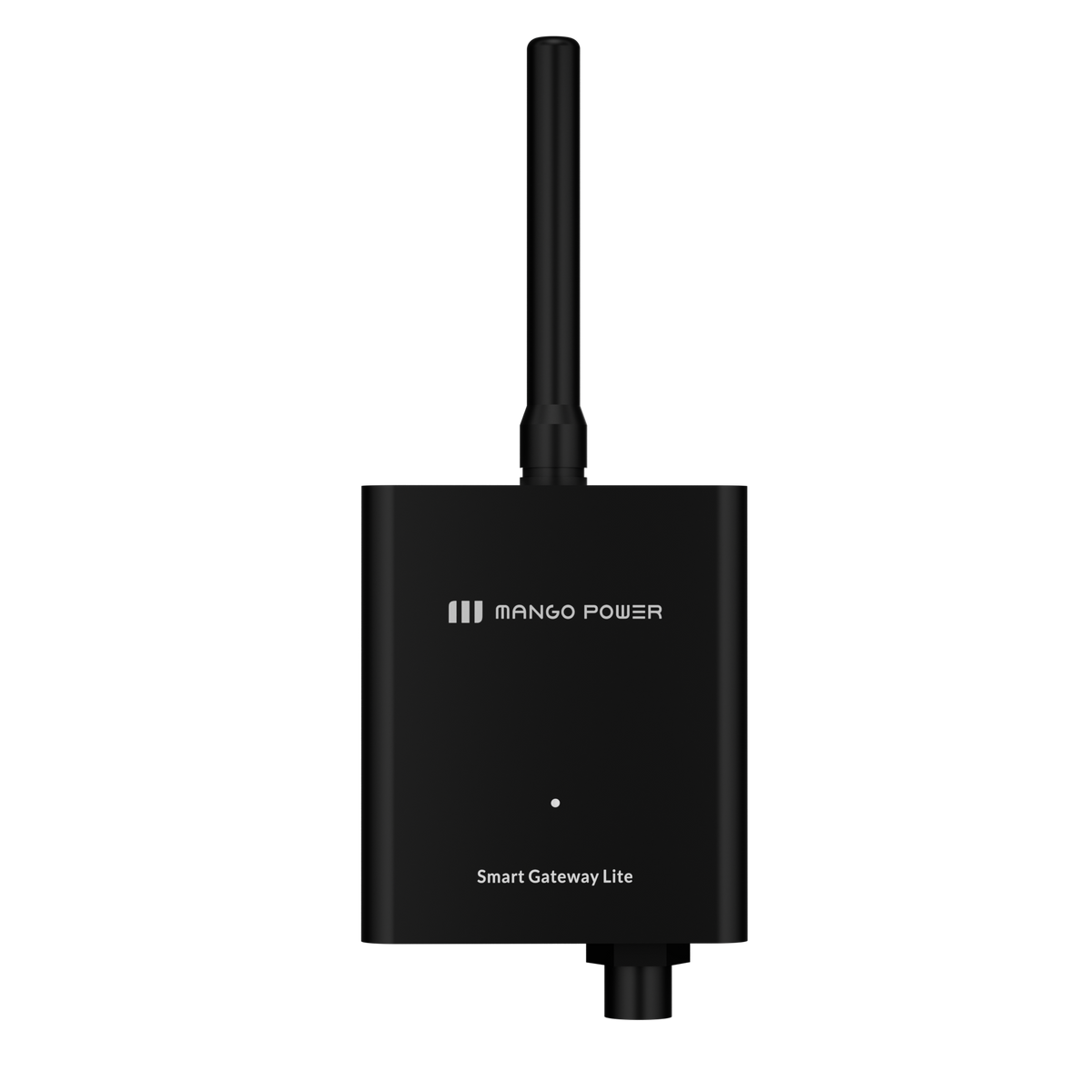
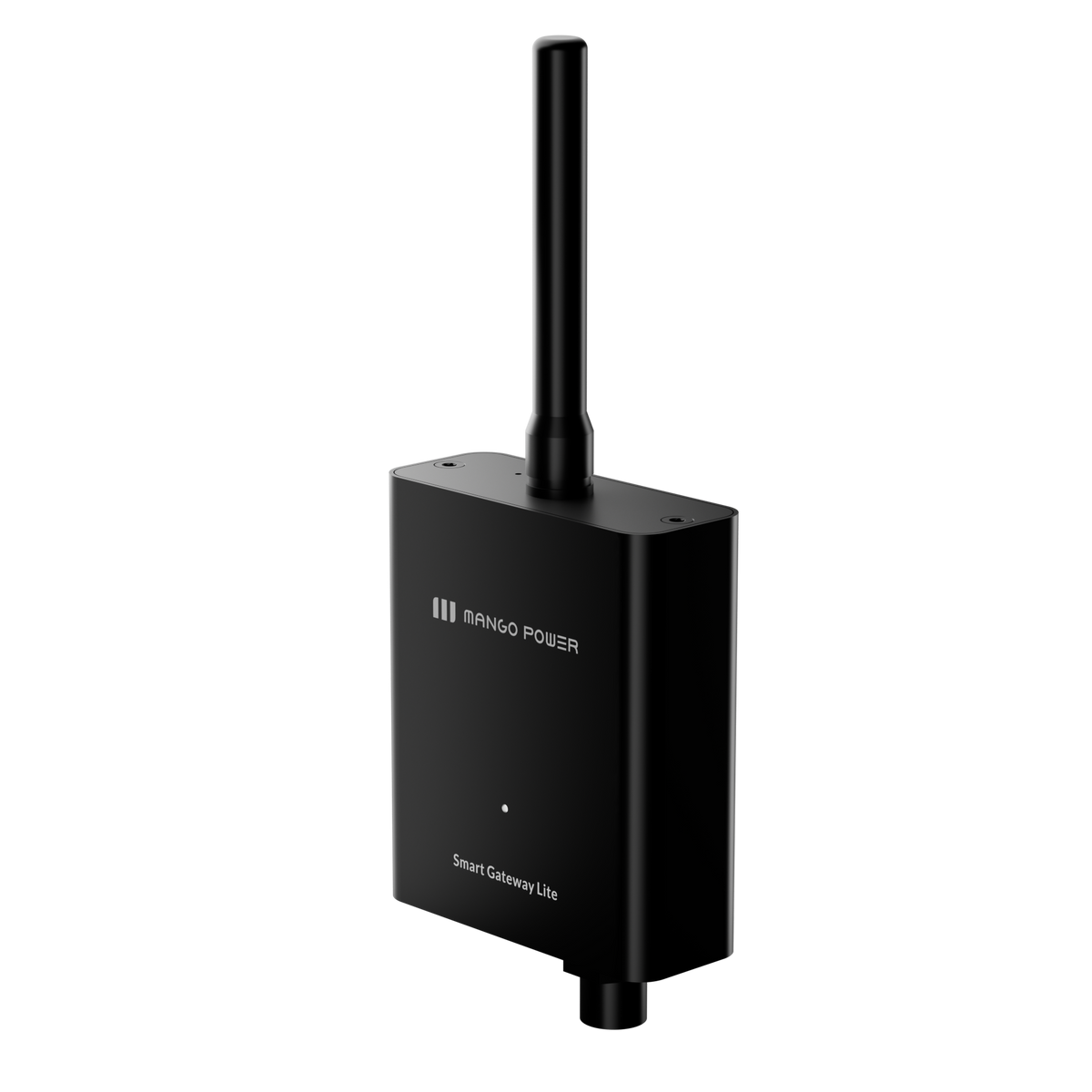
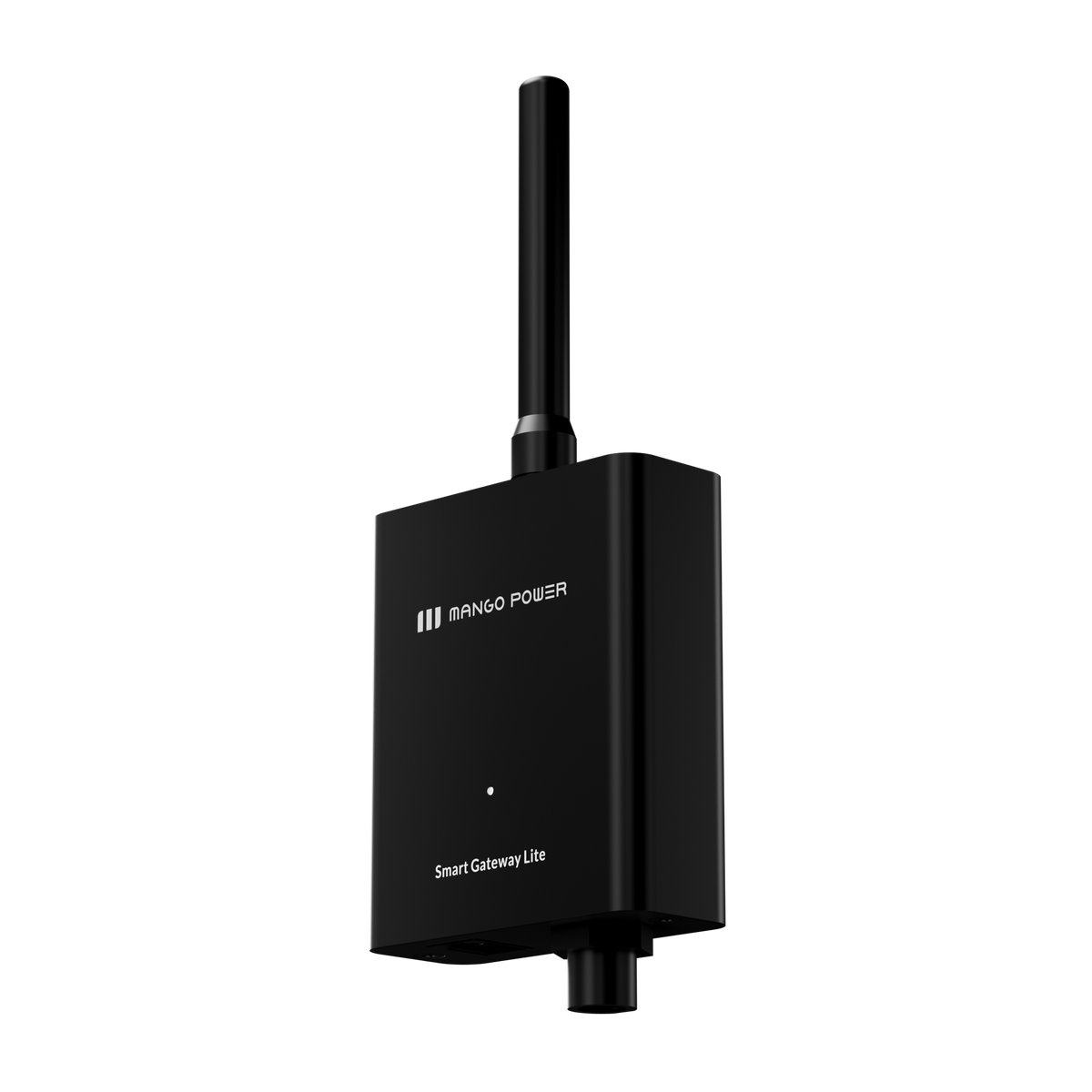
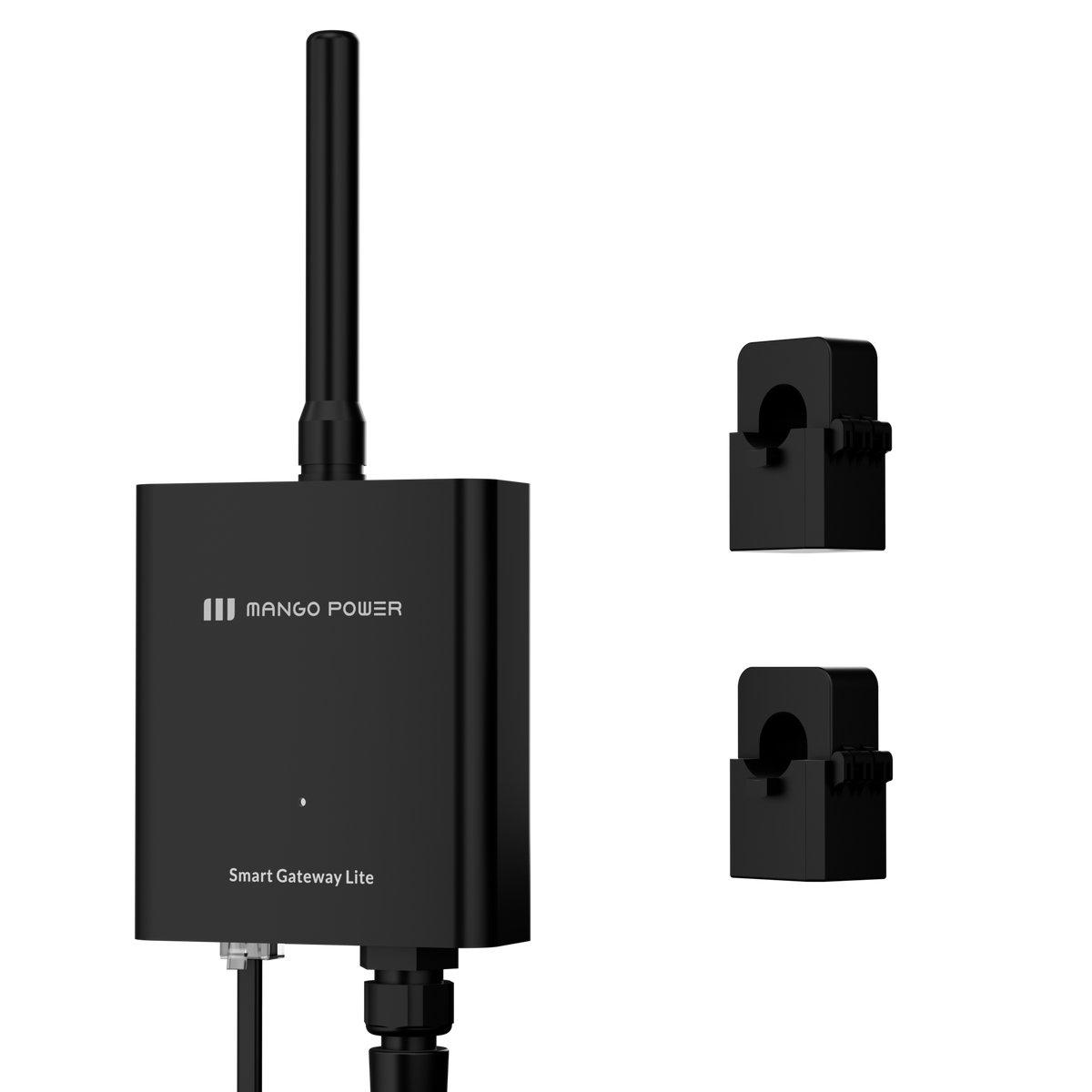
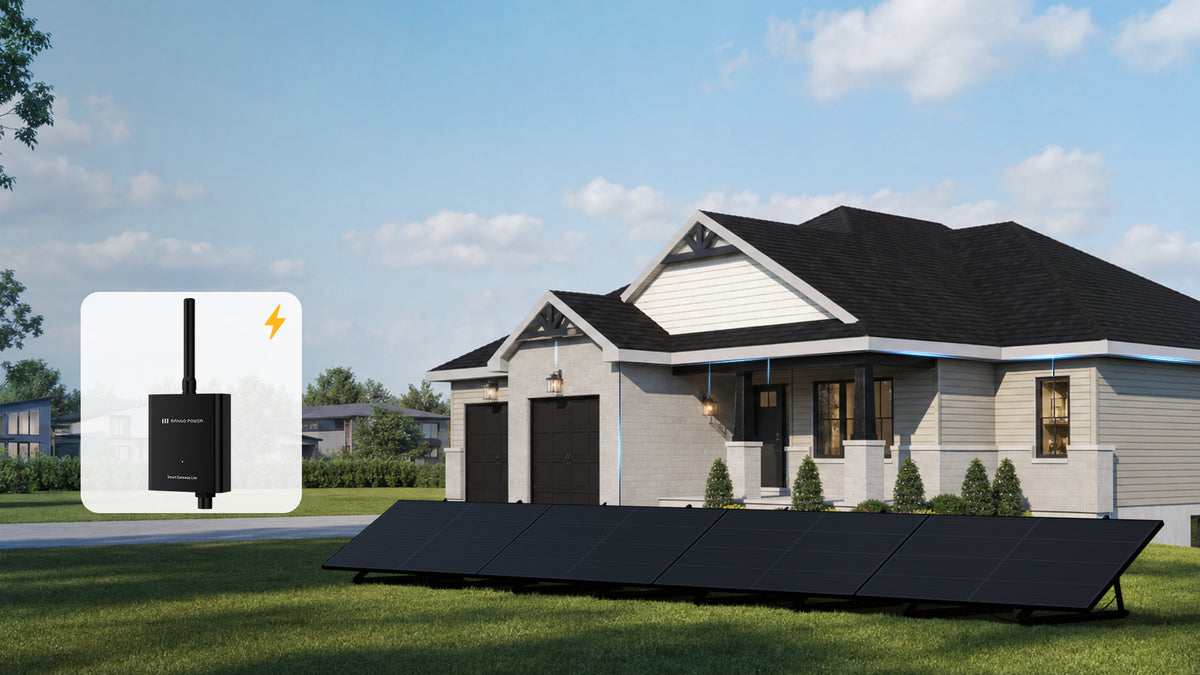
Mango Power Smart Gateway Lite
*The Smart Gateway Lite is required for all Mango Power S PIPV systems outside Utah to enable Zero-Export functionality. Use is subject to local grid interconnection approval.
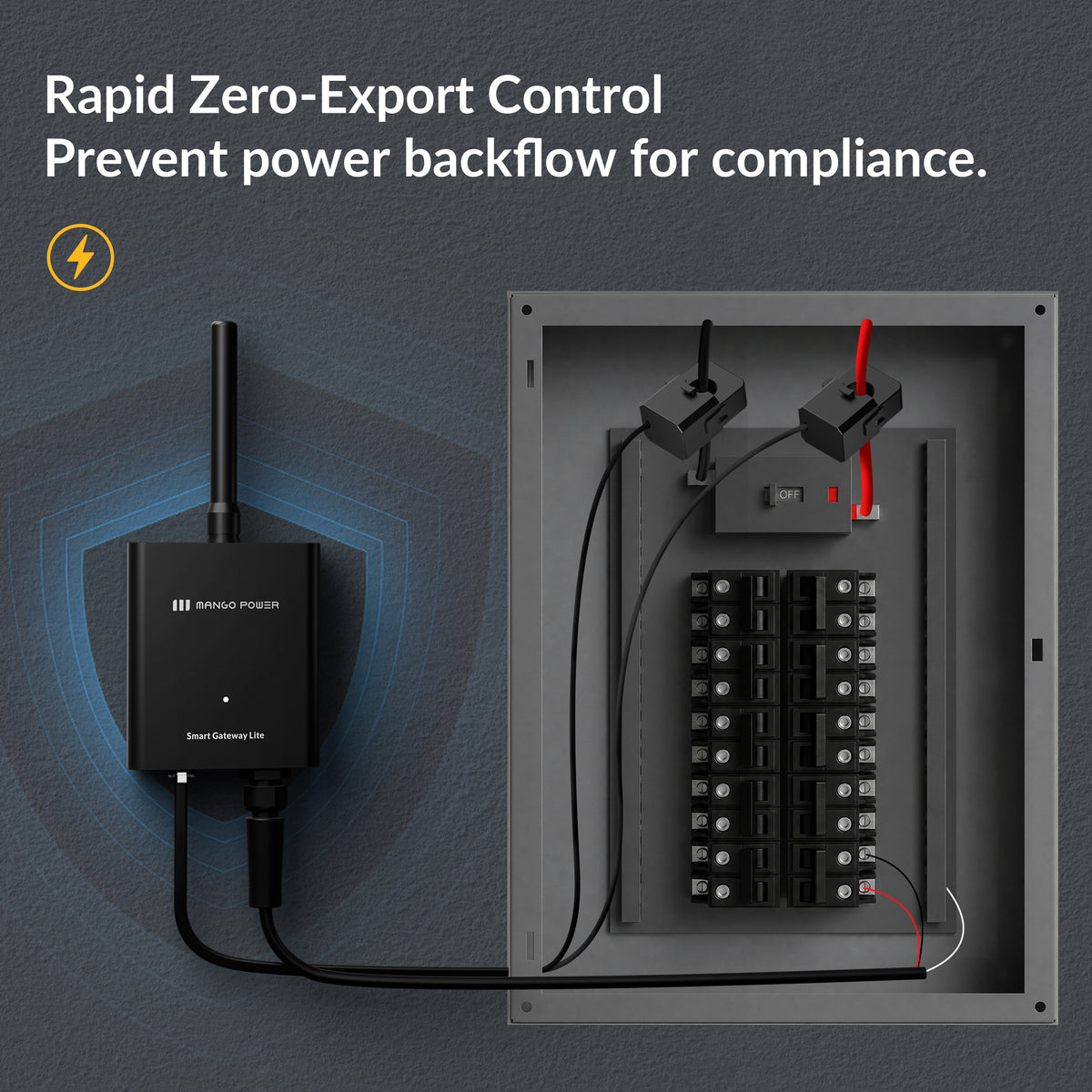
- Rapid Zero-Export Response:Ultra-fast ≤0.25s response helps prevent unwanted power backflow to the grid.
- Smart Wi-Fi Connectivity:Monitor and manage your system anytime through the App in real time.
- Error-Proof Installation:Automatically detects CT and phase errors for easier setup and reliable operation.
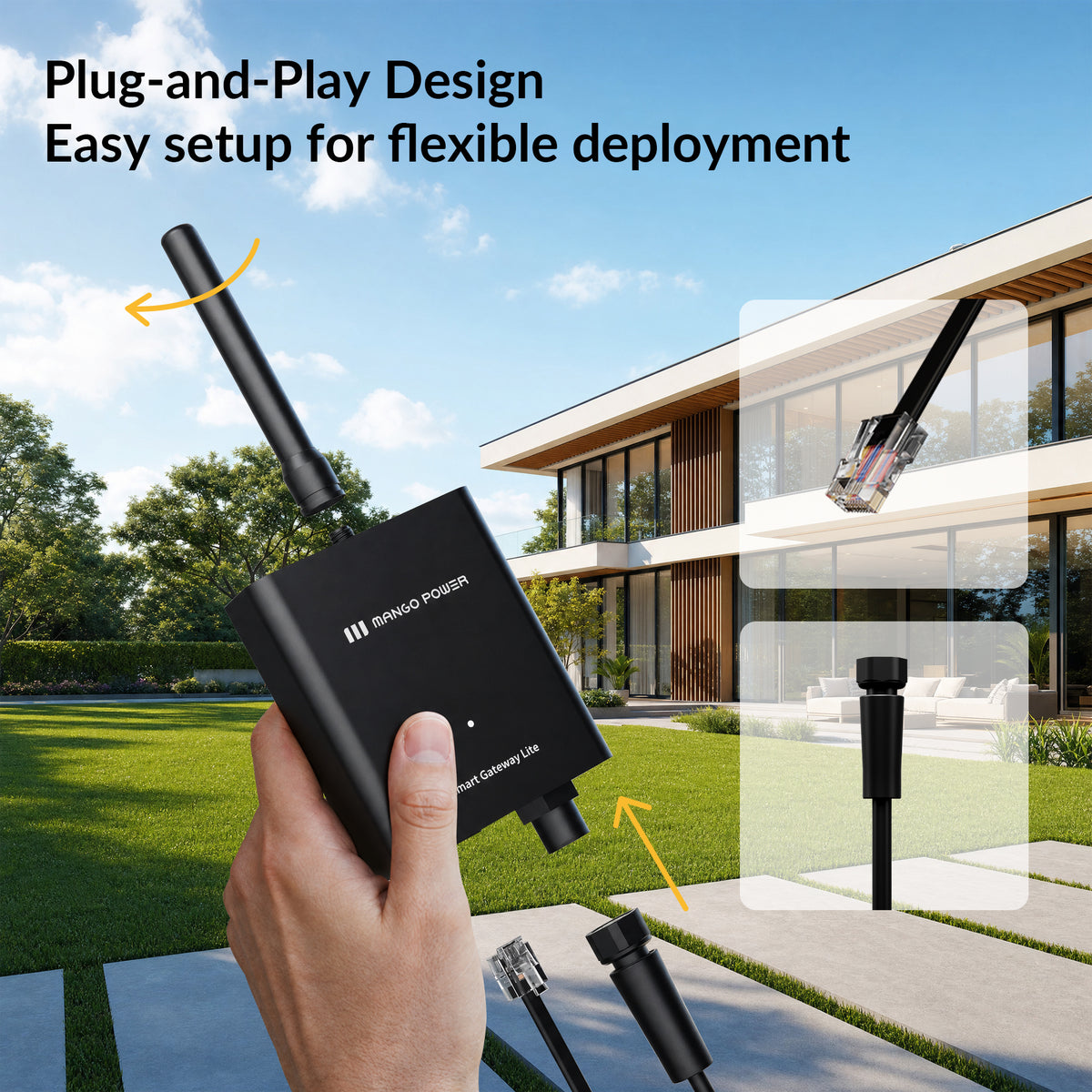
- Flexible Plug-and-Play Design:Supports both plug-in and hard-wired installation for different home setups.
- Fast & Free Shipping
- 30 Days Money Back
- Secure Payments
- 3-year warranty

Choose options
Smart Gateway Lite: Anti-backflow


Smart Gateway Lite: 200A Precision Whole-Home Metering.
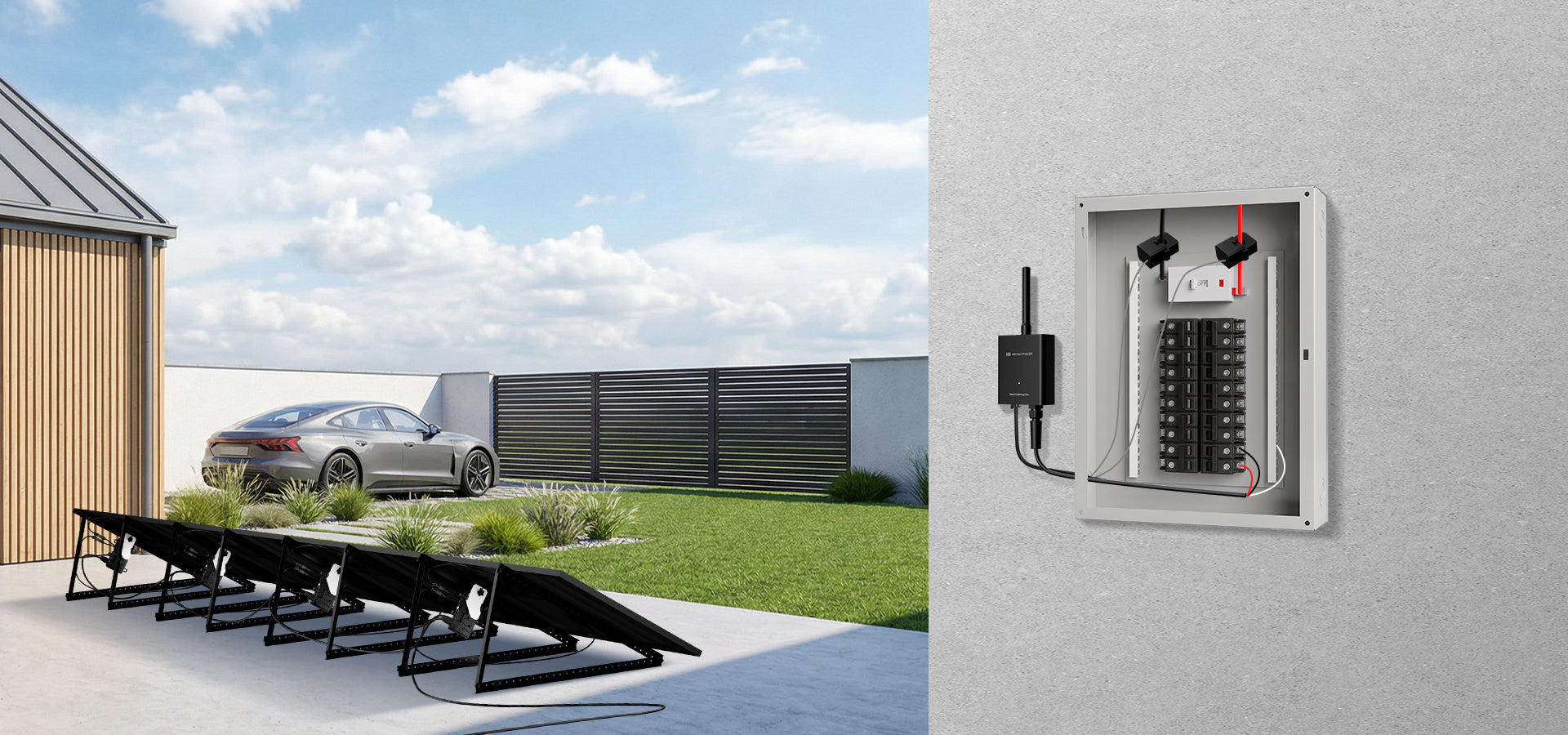
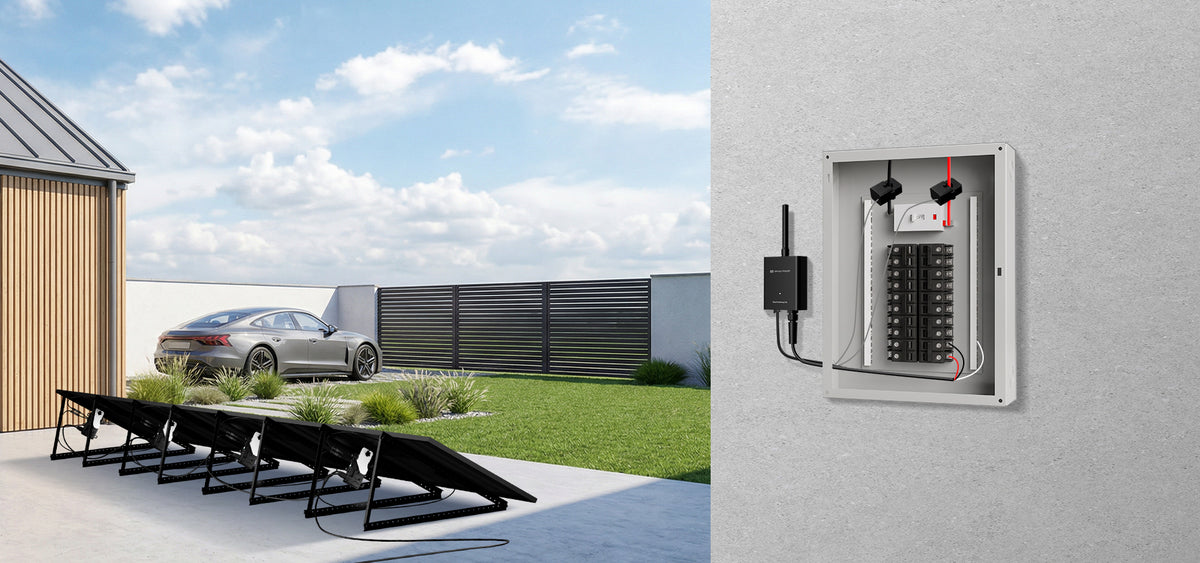
Track Your Power in Real Time
See exactly how much power your home is using in real time for smarter energy control.
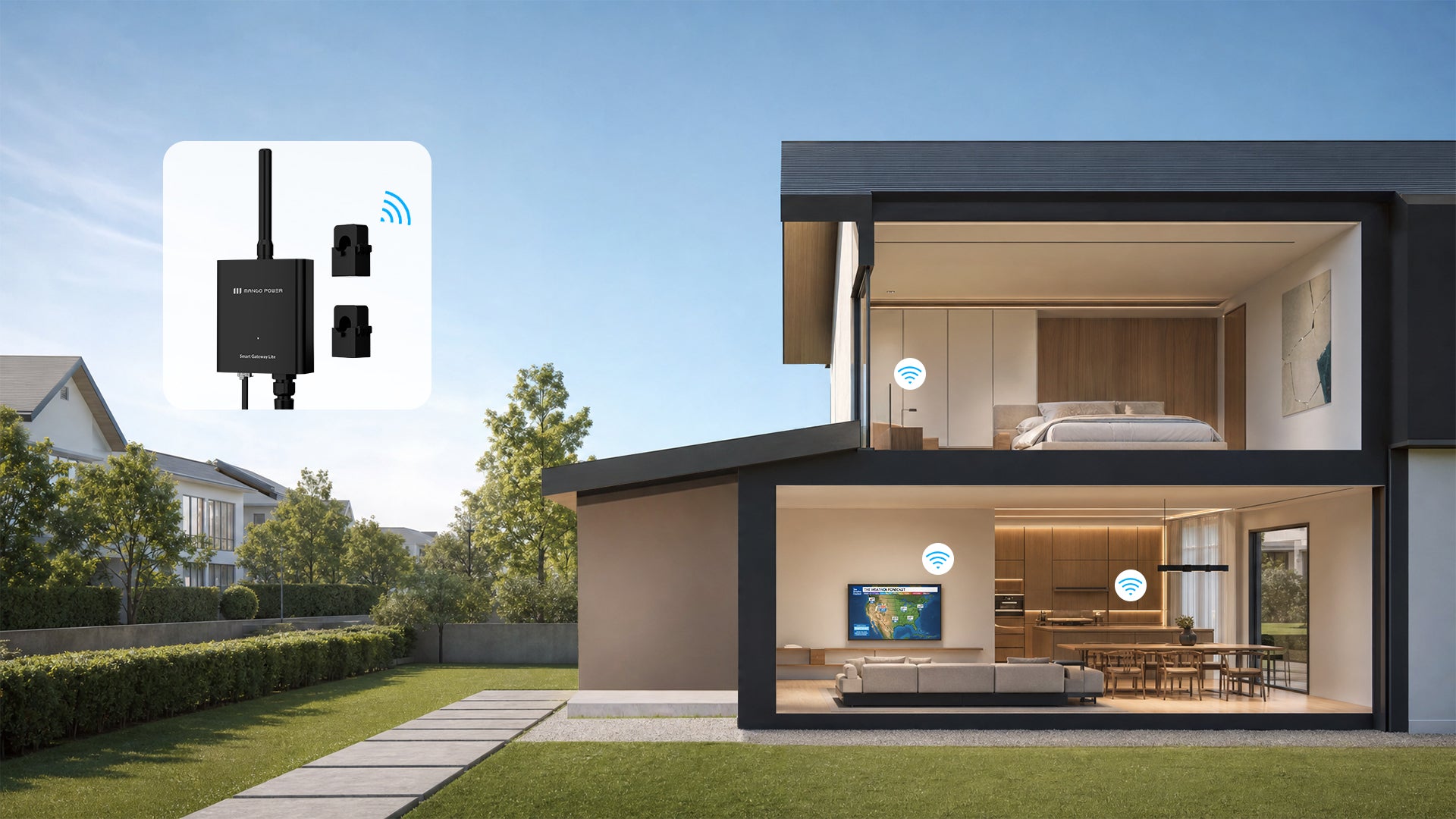
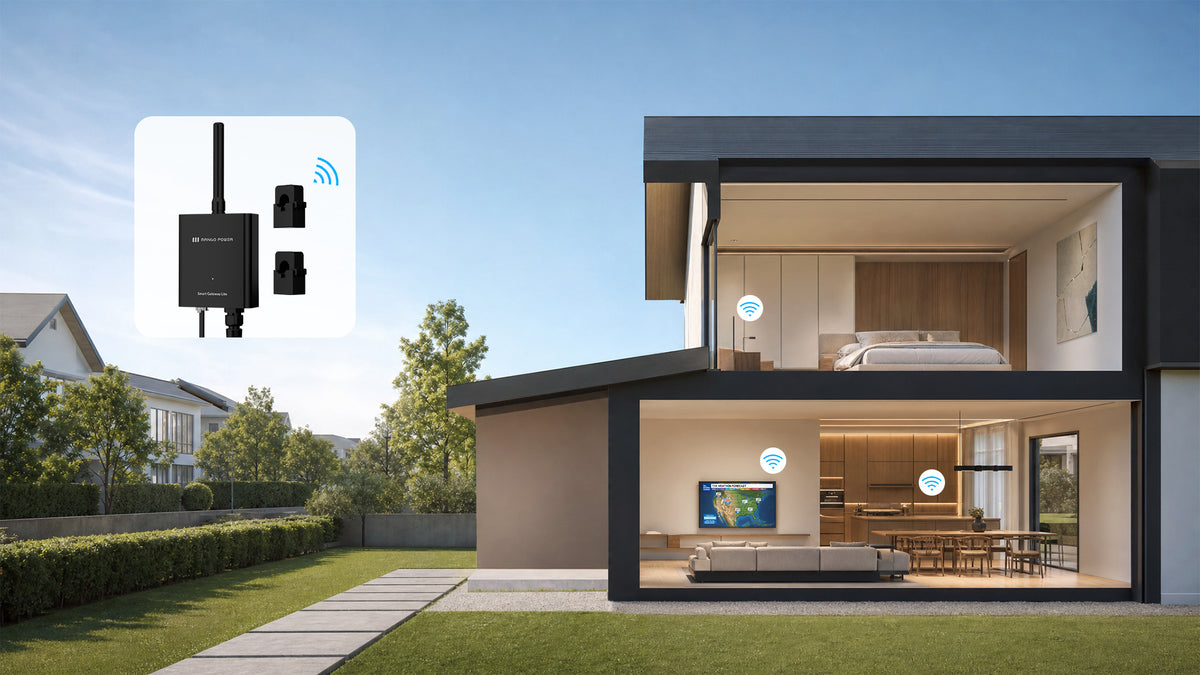
Instant Zero-Export Protection
Stop worrying about utility backfeed regulations. The system instantly detects and blocks excess solar energy from flowing back to the grid.
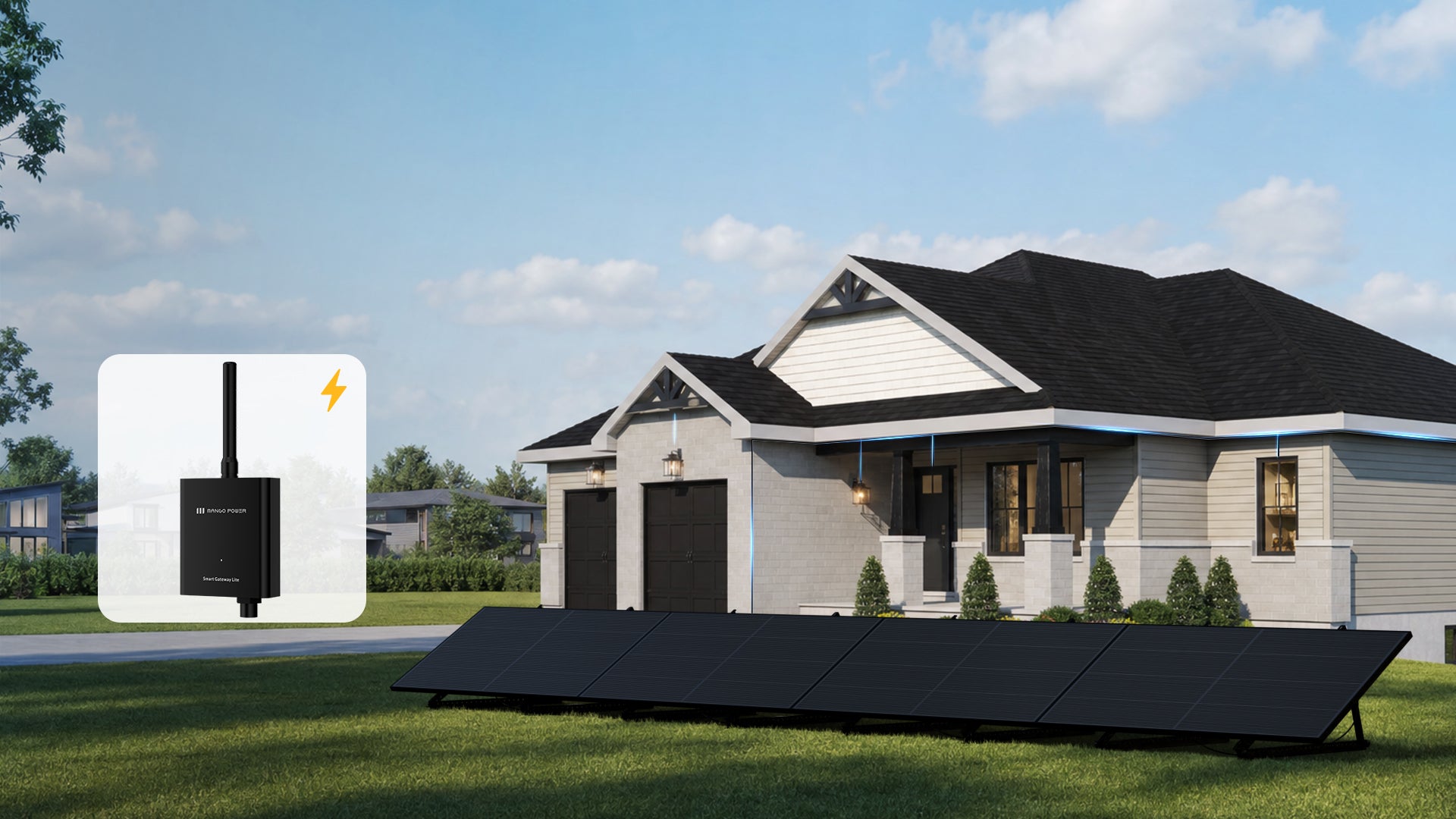
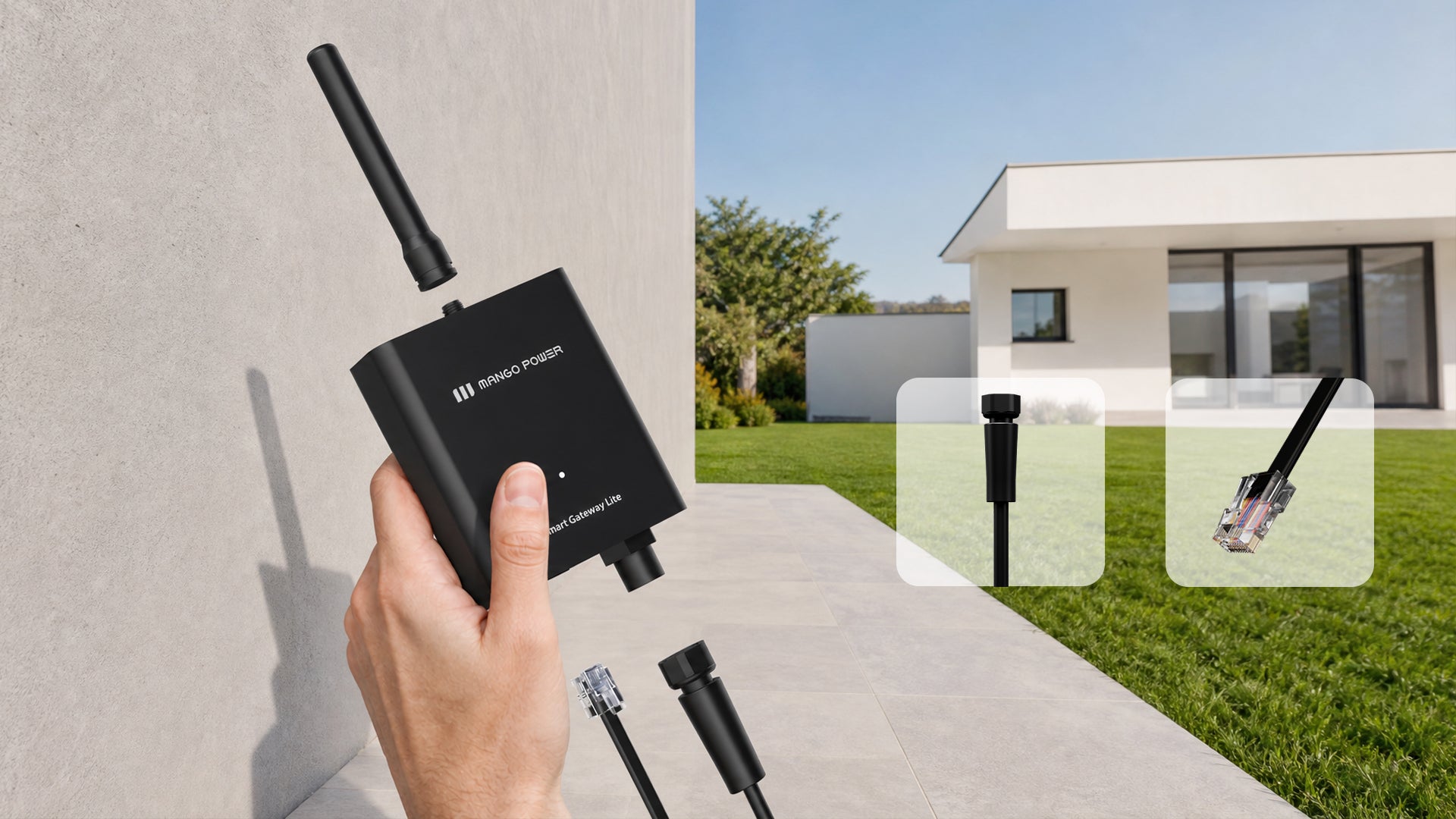
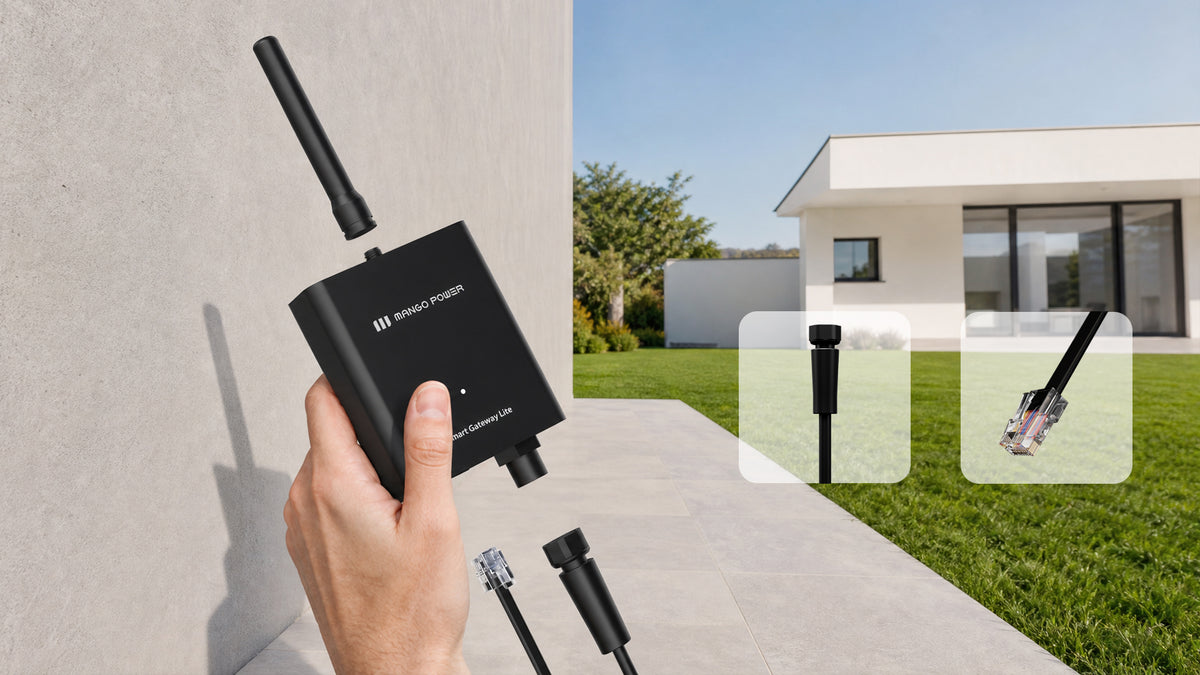
Easy Plug-and-Play Installation
Easy to install with flexible options for both plug-in and hard-wired setups — choose the installation method that best fits your home.
Specs of Smart Gateway Lite
-
AC input voltage range(Vac)
100~240(L-N)
-
Nominal AC frequency(Hz)
60
-
Max. operating current(A)
200
-
Time measurement accuracy
≤0.25s/T
-
Voltage accuracy
±0.5%
-
Power accuracy
±0.5%
-
Mains frequency accuracy
45~65Hz, ±0.2%
-
Interface
Wi-Fi(2.4GHz)
-
Max. RF power(dBm)
<20
-
Weight (kg)
0.2
-
Dimensions
125.6mm×97.6mm×28.6mm
-
Operating temperature range
-25°C~55°C (-13 °F~131 °F)
-
Storage temperature range
-40°C~85°C (-40 °F~185 °F)
-
Altitude
≤2000 (6562ft))
≤2000 (6562ft)
-
Warranty
3 years
-
Ingress protection rating
IP20
Frequently Asked Questions
What is the Mango Power Smart Gateway Lite?
The Smart Gateway Lite is a smart meter designed to work with our microinverters. It monitors home grid power flow and prevents energy from being fed back into the grid by adjusting the microinverter's output power in real time. This is required in states that do not have approved grid-interconnection policies.
What is "anti-reverse flow" protection?
Anti-reverse flow is a safety feature that prevents your solar system from sending excess power back to the utility grid. The Gateway Lite monitors power flow and tells the microinverters to reduce output when necessary, keeping all generated power within your home.
Is the Gateway Lite required for my PIPV system?
It depends on your state and local regulations. In many U.S. states, grid feed-in is not permitted for plug-and-play systems. If you are in one of these states, the Gateway Lite is required to ensure your system operates legally and safely.
Why can't my Gateway Lite connect to Wi-Fi?
Possible reasons:
- Distance: The Gateway is too far from the router.
- Power cycle: Try unplugging the Gateway and plugging it back in to restart it.
- Wi-Fi type: The Gateway Lite can only connect to a 2.4GHz Wi-Fi network.
How do I bind the Gateway Lite to my microinverters?
Go to the "Device Group" section in the app when both the Gateway Lite and the microinverters are online. Tap the meter icon and enter the Gateway's serial number (SN) to complete the binding.
Important: If the Gateway is installed but not bound to the device group, the microinverters and Gateway cannot communicate. This means anti-reverse flow protection will not function, and the microinverters will not generate power.
Do the Gateway Lite and microinverters need to be on the same Wi-Fi network?
Yes. They must be connected to the same Wi-Fi network to communicate and enable anti-reverse flow protection.
Can I use a Wi-Fi mesh system or multiple routers?
Only if all devices are connected to the same router's broadcast. Mesh systems or multiple access points, even with the same network name, are treated as different sources and will cause communication failures, preventing anti-reverse flow from working.
I have multiple PIPV systems. Do I need one Gateway for each?
No. One Gateway Lite can be bound to multiple systems (device groups) and still effectively manage anti-reverse flow, as long as all CT clamps are correctly installed on the main L1/L2 lines and all devices are on the same WI-FI network.
How do I check the Gateway's signal strength?
Tap the Gateway icon in the device group to view the RSSI strength. If RSSI > -50dBm (|RSSI| < 50dBm), the signal is OK. Otherwise, you need to adjust the relative position.
Why does my microinverters keep stopping power generation?
If either the Gateway or the microinverters have an unstable network connection, it can interrupt power generation. Please ensure both devices have strong and stable Wi-Fi signals.
Why is my microinverter generating less power than expected?
If the CT clamps of the Gateway Lite are not installed on the L1/L2 lines of the main breaker in the home electrical panel, the system will not be able to detect the total load power. In this case, the microinverter will only generate power based on the detected load power and will reduce its output according to the safe power generation principle.